


One boundary. Thirty minutes.
Plan a 30-minute digital detox walk with Apple Watch for downloaded music, maps, payments, and messages while your iPhone stays out of reach.
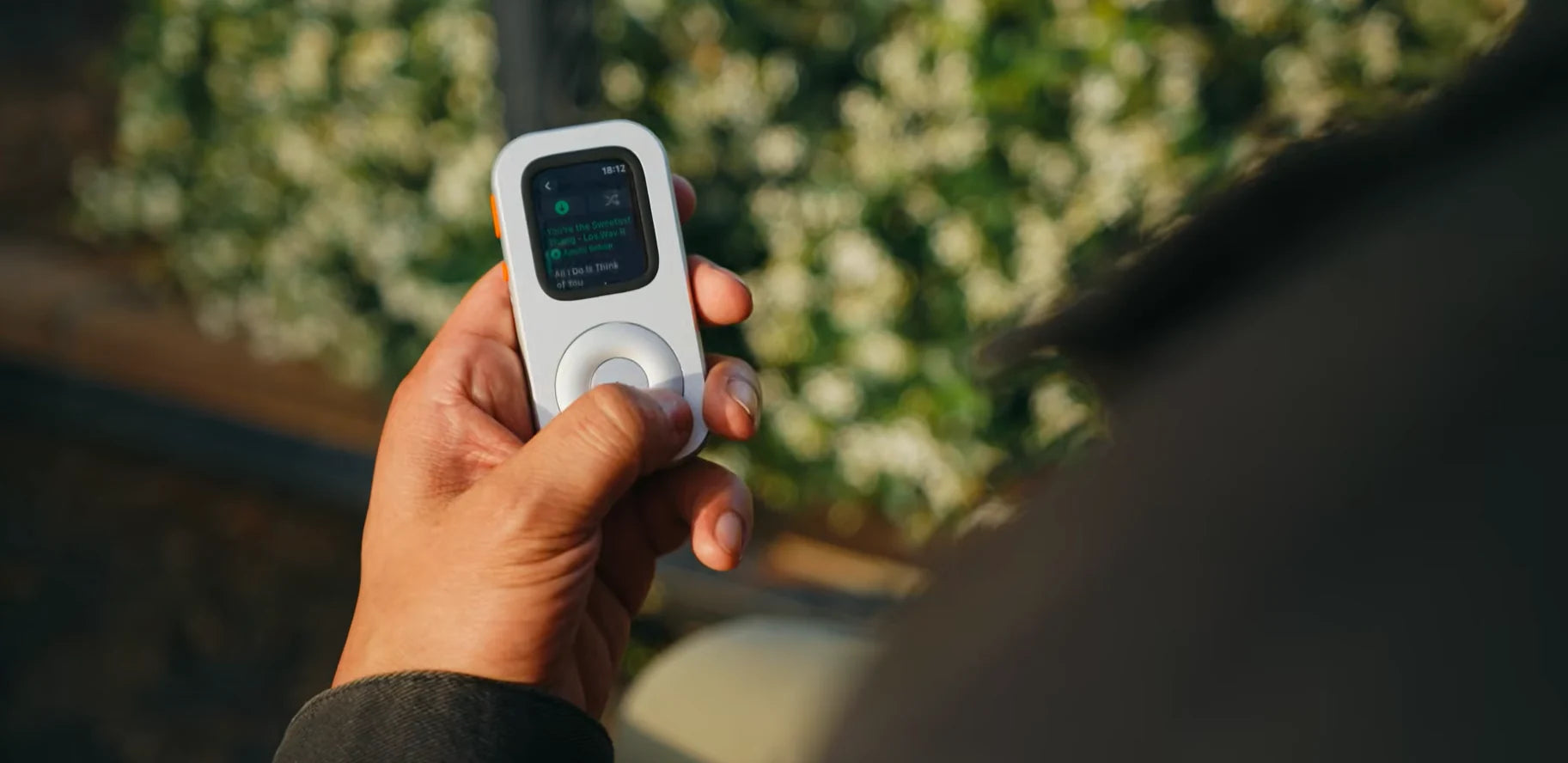
Put the phone in a zipped bag for a familiar 30-minute walk. Prepare one album and the contact path you need before leaving.
Set one clear boundary
In a 2026 Pew Research Center survey, 53% of 9,750 U.S. adults said they spent too much time on their smartphone, while 45% said they had tried to cut back. The feeling is familiar: many people want a little more distance from the phone. A 30-minute walk offers a simple place to start. Read the Pew survey ↗
Make your version modest: one familiar 30-minute walk, one place for the phone, and one reason for going. Your boundary might be “the phone stays zipped in my bag unless there is an emergency.” The point is to make one choice before the walk starts.
Start small and keep expectations realistic
Studies of mobile-internet blocking and reduction planning test different interventions. For this walk, set a practical goal: keep the phone stored for thirty minutes.
Choose only the essentials
Write down what the walk actually requires. For many people, the list is short: the route home, one audio choice, an eligible payment method and a way to receive an important message. Every extra option makes the boundary fuzzier.
Apple Watch can keep some of those essentials close, but each one has conditions. Downloaded audio must be prepared in advance and may depend on storage, app, subscription, account and region. Eligible cards in Apple Pay require supported cards and prior setup. Messages and live Maps functions can depend on the Watch model, Wi-Fi or cellular service, carrier, the paired iPhone’s state and app support. Check Apple’s current away-from-iPhone guidance ↗ before relying on a function.
Prepare the Watch before you leave
- Choose a familiar route.
Keep the first test close to home and avoid depending on unfamiliar transport or live directions. - Choose one audio option.
Download it to the Watch. Test playback with the iPhone out of range and Watch Wi-Fi and cellular off, leaving Bluetooth headphones connected; restore the connections afterward. Apple’s music guide explains the current workflow. - Confirm the connection.
Know whether your messages and emergency contact path use cellular, known Wi-Fi or a paired iPhone that remains powered on and online. - Set the boundary.
Silence nonessential alerts, place the phone out of immediate reach, and decide in advance what would justify taking it out.
Run the 30 minutes
Start the timer, put the phone in its chosen place, and begin. When the reflex to reach for it appears, do not turn the moment into a score. Notice the trigger: boredom, uncertainty about the route, the urge to change audio, or simple muscle memory. Then return to the walk.
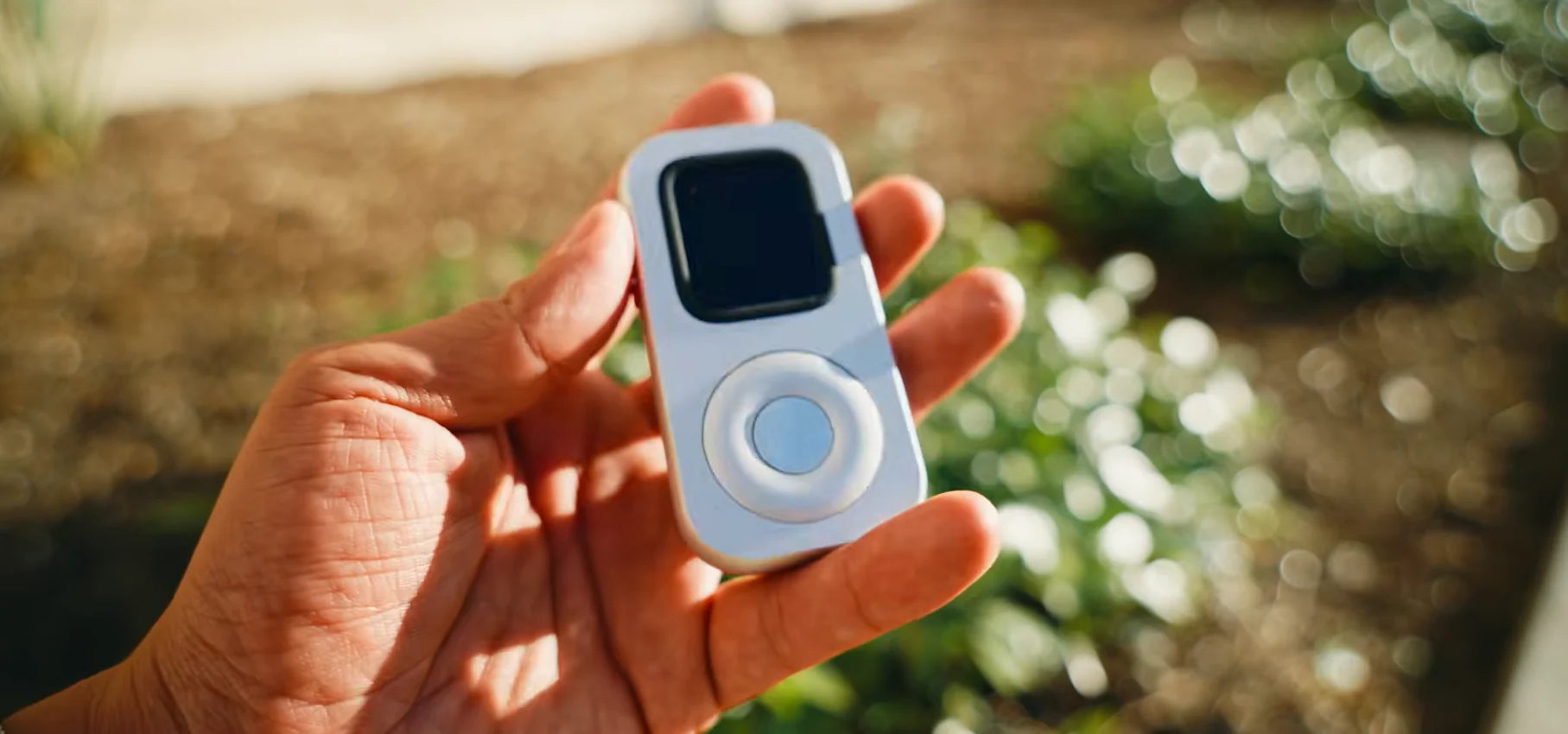
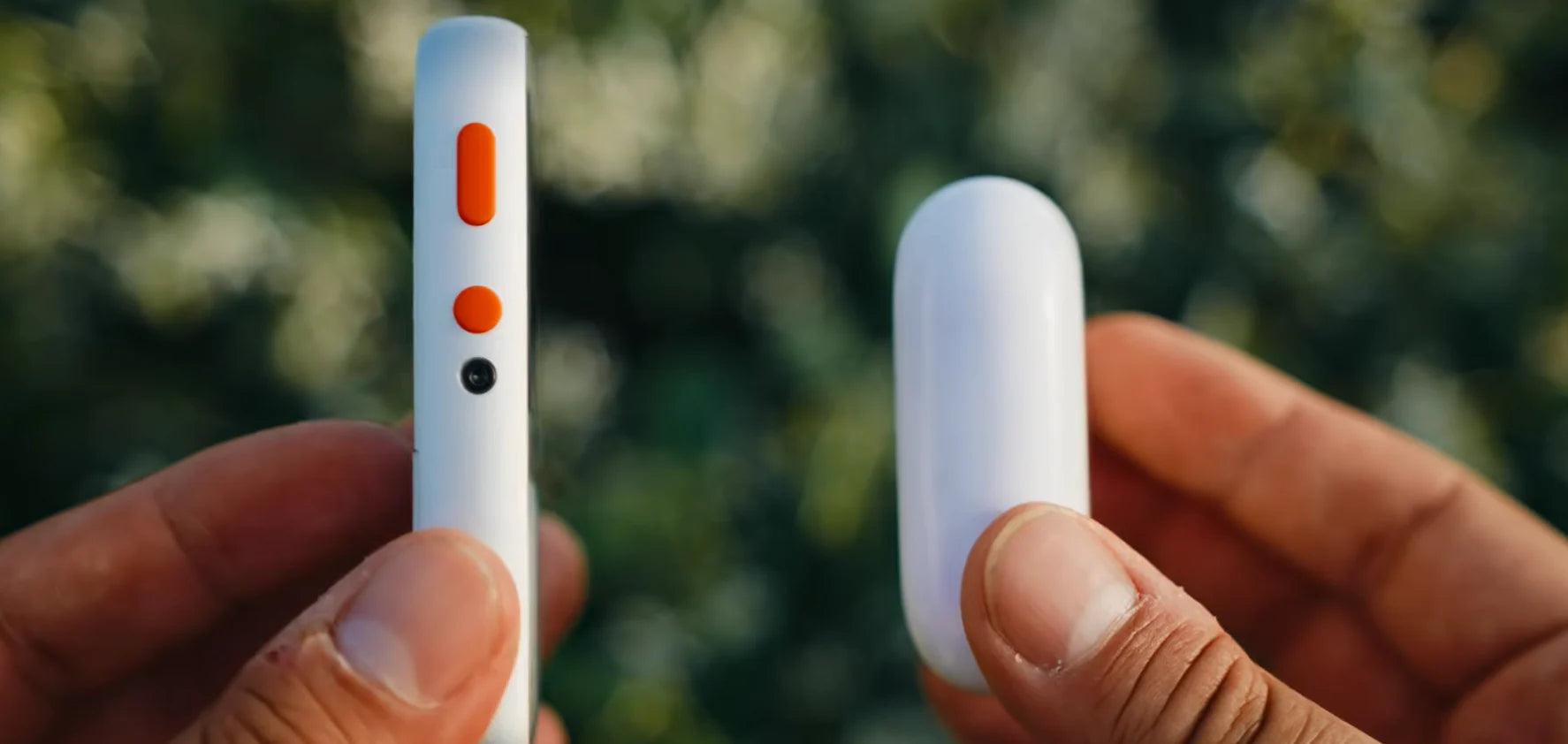
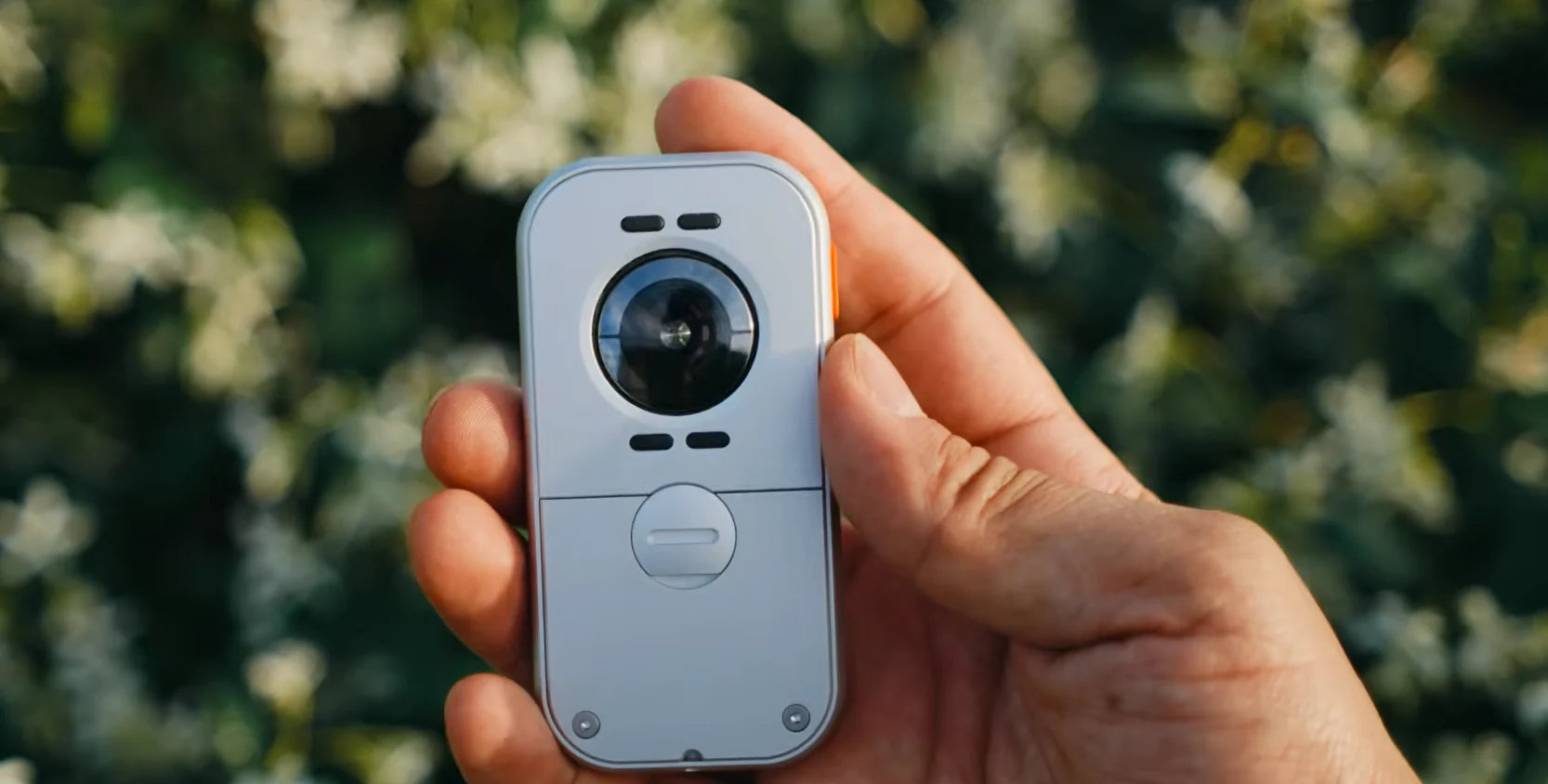
Techpod RePod gives a compatible Apple Watch a small handheld-player form. Its outer wheel mechanically turns the Digital Crown for volume or scrolling in supported apps; tap the screen to choose playback. That gives your prepared album a player you can hold while the phone stays stored.
Keep safety separate from the experiment. Carry the phone when your route, health, family responsibilities or local conditions call for it; “phone-light” can simply mean keeping it out of immediate reach. Emergency calling, fall detection and location sharing have their own model, network, region and setup requirements, so do not assume they are available because another Watch function works. For a first attempt, choose daylight, a familiar area and a routine you could end at any point.
Notice what changed
After 30 minutes, write three short lines: what you missed, what you did not miss, and what you would prepare differently next time. A useful result can be as simple as learning that your route needs offline maps, that one downloaded album is enough, or that the phone boundary felt unnecessary that day.
Sources and further reading
FOR YOUR NEXT WALK