

An older Apple Watch can still have one clear job. Brian to Earth configured his 40 mm GPS Apple Watch Series 4 as a prepared pocket music player: a compatible RePod, a downloaded Spotify playlist, and Bluetooth headphones. The result was a phone-light music routine with fewer reasons to reach for his phone.
Disclosure: Techpod provided RePod to Brian to Earth for the video. This article summarizes his published experience; video stills are used with permission.
Can Apple Watch play music without an iPhone?
Yes—with conditions. A compatible Apple Watch can play audio without its paired iPhone nearby when the music is downloaded in advance and Bluetooth headphones are paired. Spotify currently lists Premium, Apple Watch Series 4 or later, and watchOS 10 or later for its documented offline Watch experience. Downloaded playback does not require a cellular plan. Streaming and other connected features need Wi-Fi, cellular, or the paired iPhone. The Watch supplies the apps, storage, radios, and audio features; RePod supplies the handheld form.
The desire for a smaller routine is widespread, although no accessory can guarantee it. In a Pew Research Center survey of 9,750 U.S. adults conducted May 26–June 1, 2026, 53% said they spent too much time on their smartphone and 45% said they had tried to cut back during the previous year. Brian’s experiment offers one practical, personal response: prepare the music before the listening session begins.
The exact setup Brian tested
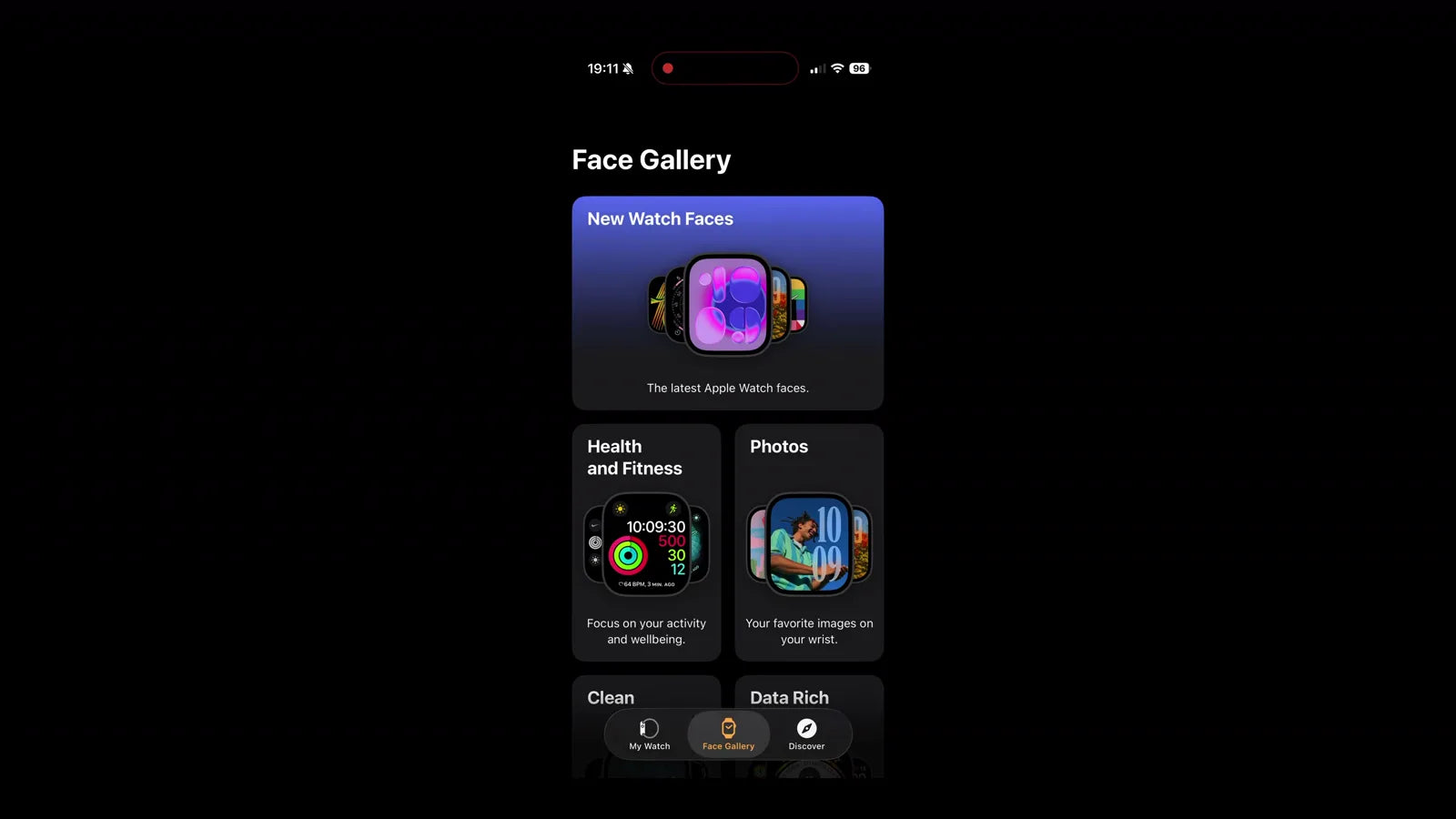
Brian started with hardware he already owned: a 40 mm GPS Apple Watch Series 4. He matched it to the correct RePod size, installed Spotify on the Watch, downloaded a playlist with Spotify Premium, and listened through Bluetooth headphones. He also reset and simplified the Watch, chose a readable face, and kept shortcuts for the few apps he planned to use.
This is one creator’s configuration. It is not a universal minimum for RePod or every music service. Spotify maintains its own device, software, account, and download requirements. Apple Music has a separate Watch workflow for adding and downloading albums or playlists. In both cases, the useful habit is the same: finish the setup while the phone and a reliable connection are available.
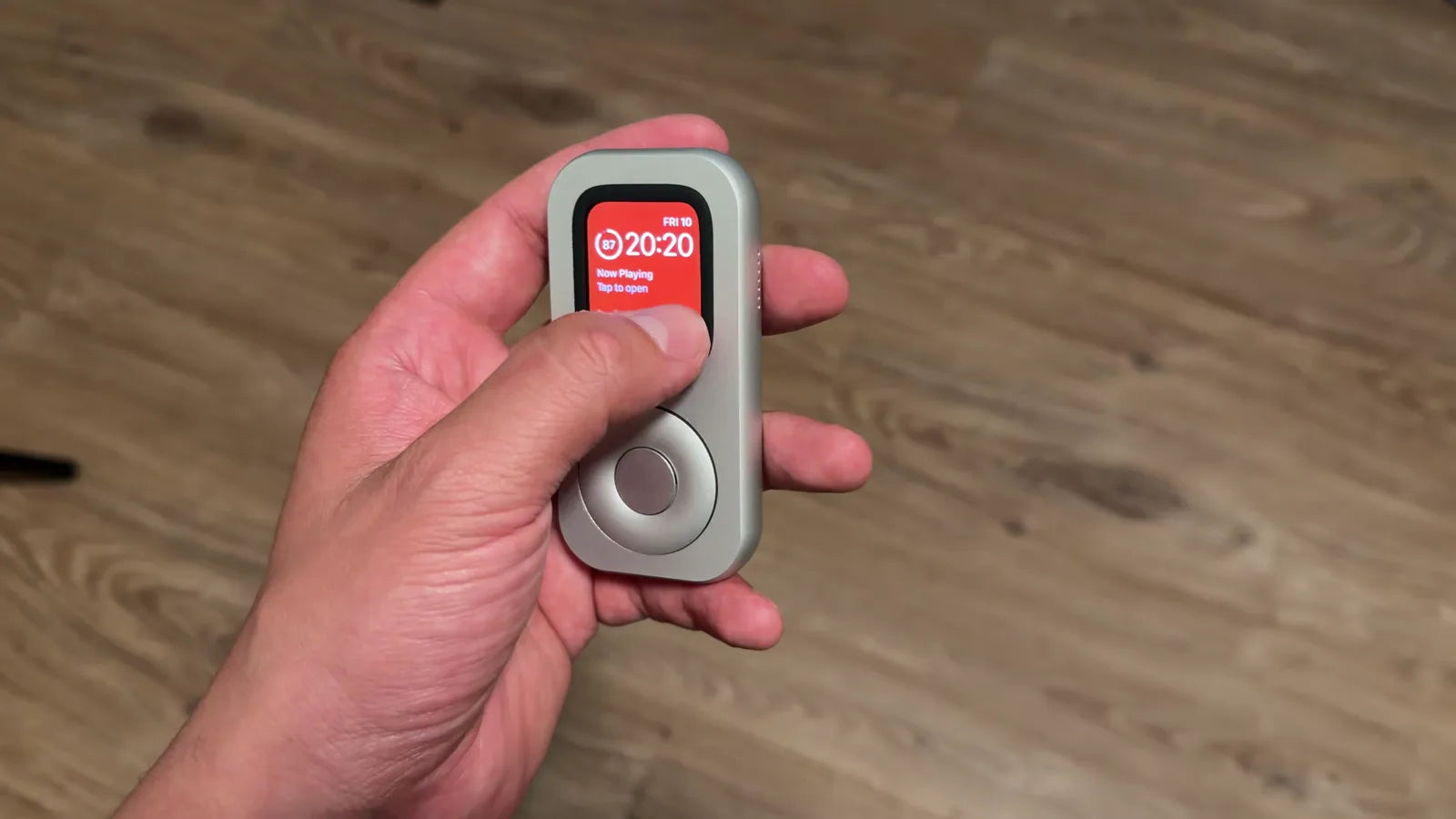
RePod changes the posture of the device. The Watch moves from the wrist into the hand, with the screen above a thumb-led wheel. That physical shift can make a prepared playlist feel like a defined activity. It also leaves every watchOS limit in place. Available storage, app support, connection state, battery condition, and the Watch interface still determine what happens when the phone stays home.
Build the listening routine before pressing play
- Check the fit. Match the exact Apple Watch generation and case size to the current RePod selector. A close-looking size can still be the wrong enclosure.
- Choose the service path. Confirm that the music app supports your Watch and the offline mode you intend to use. Spotify and Apple Music follow different account and download steps.
- Download one session. Start with an album or short playlist. Wait for the download to finish on the Watch rather than assuming an iPhone download has transferred.
- Pair the headphones. Apple Watch can pair directly with compatible Bluetooth headphones or speakers. Start, pause, and adjust volume from the Watch.
- Reduce unrelated alerts. Tune notification, display, and Focus settings around the session. Keep the passcode enabled.
- Run a phone-away test. Put the iPhone out of Bluetooth range or turn it off, play a downloaded track, and check the older Watch’s battery before starting the session.
GPS and cellular Watches support different moments
A GPS Apple Watch can handle downloaded audio without the paired iPhone or Wi-Fi. That was the center of Brian’s setup. When Wi-Fi or the paired iPhone is available, the Watch can add connected functions such as streaming and supported messaging. An Apple Watch with cellular can stay connected farther from the iPhone when it has a supported model, active carrier plan, coverage, and compatible service. Cellular is optional for a downloaded playlist. It also uses additional battery and remains subject to carrier and regional availability.
Keep the passcode in the routine
Keep the Apple Watch passcode enabled. Apple states that turning it off makes Apple Pay and Mac unlock unavailable. Wrist Detection is a separate control. Techpod’s current RePod setup guidance calls for turning Wrist Detection off for off-wrist use; Apple documents the tradeoffs, including changes to automatic locking, Apple Pay authorization, Activity measurements, heart-rate tracking and notifications, and fall-detection calls. Review those effects before changing the setting. Use notification and Focus controls to shape attention while keeping account security in place.
What worked—and where the setup slowed down
Brian said the handheld shape and prepared playlist made listening feel more intentional. He enjoyed choosing a smaller library in advance and found the accessory fun to use. His Series 4 setup also introduced friction. The aging Watch battery needed regular charging. His AirPods sometimes connected to the iPhone first, so he had to switch the audio destination. He found the wheel less precise than an older iPod control and often used the touchscreen. The center control did not add a useful action in his test.
Those observations belong to his Watch, RePod unit, headphones, and routine. They are useful shopping questions rather than universal performance findings: How healthy is the battery? Which device will the headphones choose? Does the touchscreen remain comfortable for the intended session?
Who this routine fits
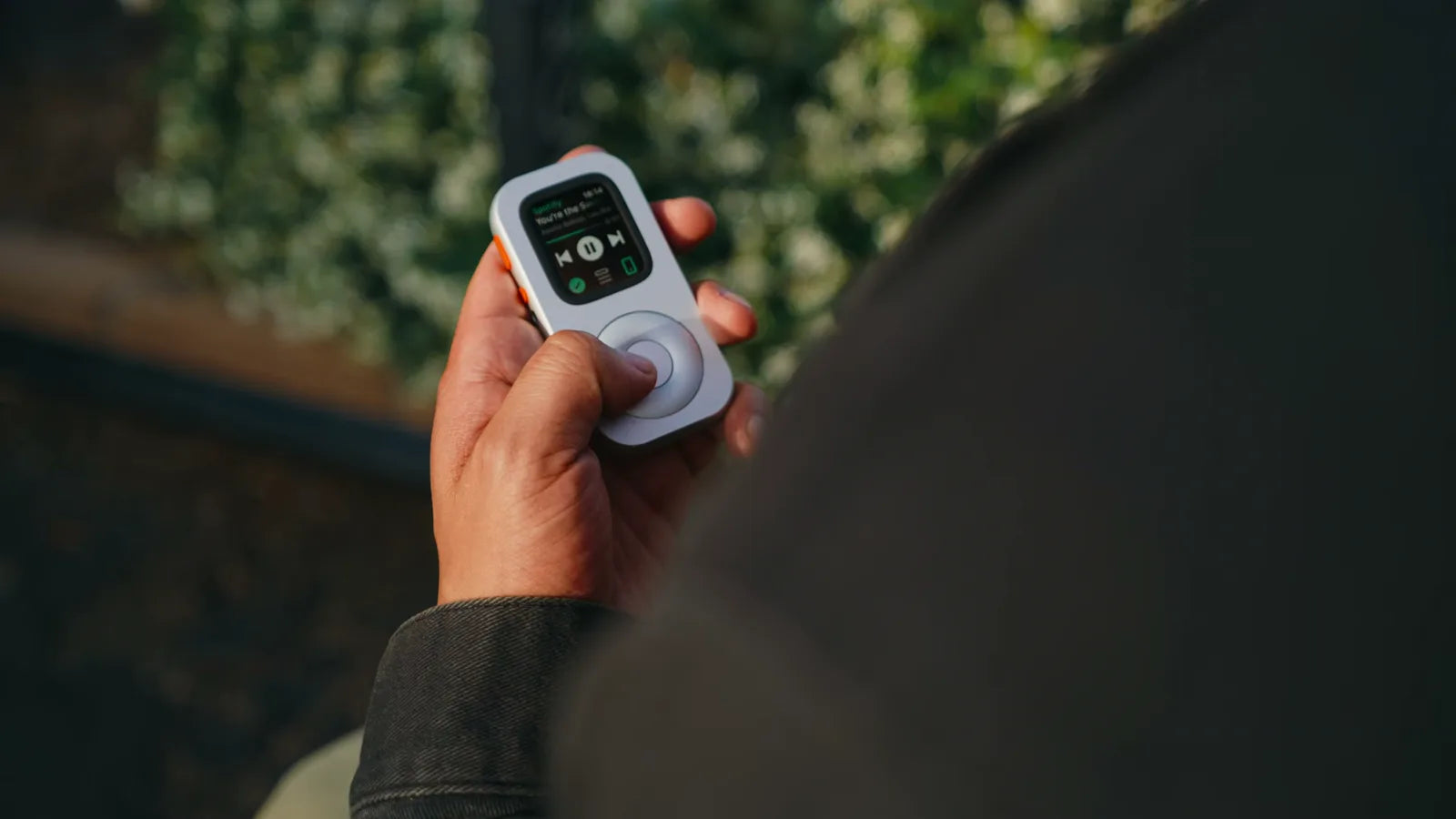
This routine fits someone who already owns a compatible Watch, wants a prepared music session, and accepts a small interface. It is a weaker fit for someone seeking a complete phone replacement, continuous streaming without connectivity, or another Watch purchase. Brian described RePod as an enjoyable accessory and a new role for hardware he already owned. That is the clearest place to begin.
Begin with one short session close to home. A brief test reveals more than a long feature list: whether the battery lasts, the headphones stay connected, the controls feel natural, and the chosen music is already on the Watch. If the routine feels useful, it can become a repeatable role for a device that was otherwise idle.
Check your Apple Watch fit
Confirm your Watch generation and case size in the current selector before choosing a RePod.
Apple Watch offline music FAQ
Can Apple Watch play downloaded music without an iPhone nearby?
Yes. Apple documents music playback away from the paired iPhone. The music must be downloaded when the Watch has no internet connection, and the app, account, storage, and audio destination must support the setup.
Do I need a cellular Apple Watch for offline music?
No. A GPS Apple Watch can play compatible audio already downloaded to the Watch. Streaming and other connected functions need Wi-Fi, an active cellular connection, or the paired iPhone, depending on the service.
What does Spotify require on Apple Watch?
Spotify currently lists Apple Watch Series 4 or later and watchOS 10 or later for its Watch app. Direct offline listening requires Spotify Premium, downloaded content, and Bluetooth headphones paired to the Watch.
Can Apple Watch connect directly to Bluetooth headphones?
Yes. Apple Watch can pair with compatible Bluetooth headphones or speakers. AirPods already set up with the paired iPhone can also be available on Apple Watch.
Should I turn off the Apple Watch passcode for RePod?
Keep the passcode enabled. Turning it off removes Apple Pay and Mac unlock. Wrist Detection is a separate control with its own effects on locking, Apple Pay, Activity, heart-rate features, and fall-detection behavior.
Sources and further reading
- Brian to Earth: The BEST Apple Device for Distraction-Free Music Listening + MORE!
- Spotify Support: Spotify on Apple Watch
- Apple Watch User Guide: Use Apple Watch without its paired iPhone
- Apple Watch User Guide: Add music to Apple Watch
- Apple Watch User Guide: Connect Bluetooth headphones or speakers
- Apple Watch User Guide: Wake and unlock Apple Watch
- Apple Watch User Guide: Manage your passcode
- Apple Watch User Guide: Set up cellular service
- Pew Research Center: About half of Americans say they spend too much time on their smartphone