


Future possibility · Games, pocket agents, voice and controls
Explore Apple Watch games, AI agents, Siri ideas, and handheld interactions that become easier to imagine when a compatible Watch moves into RePod.
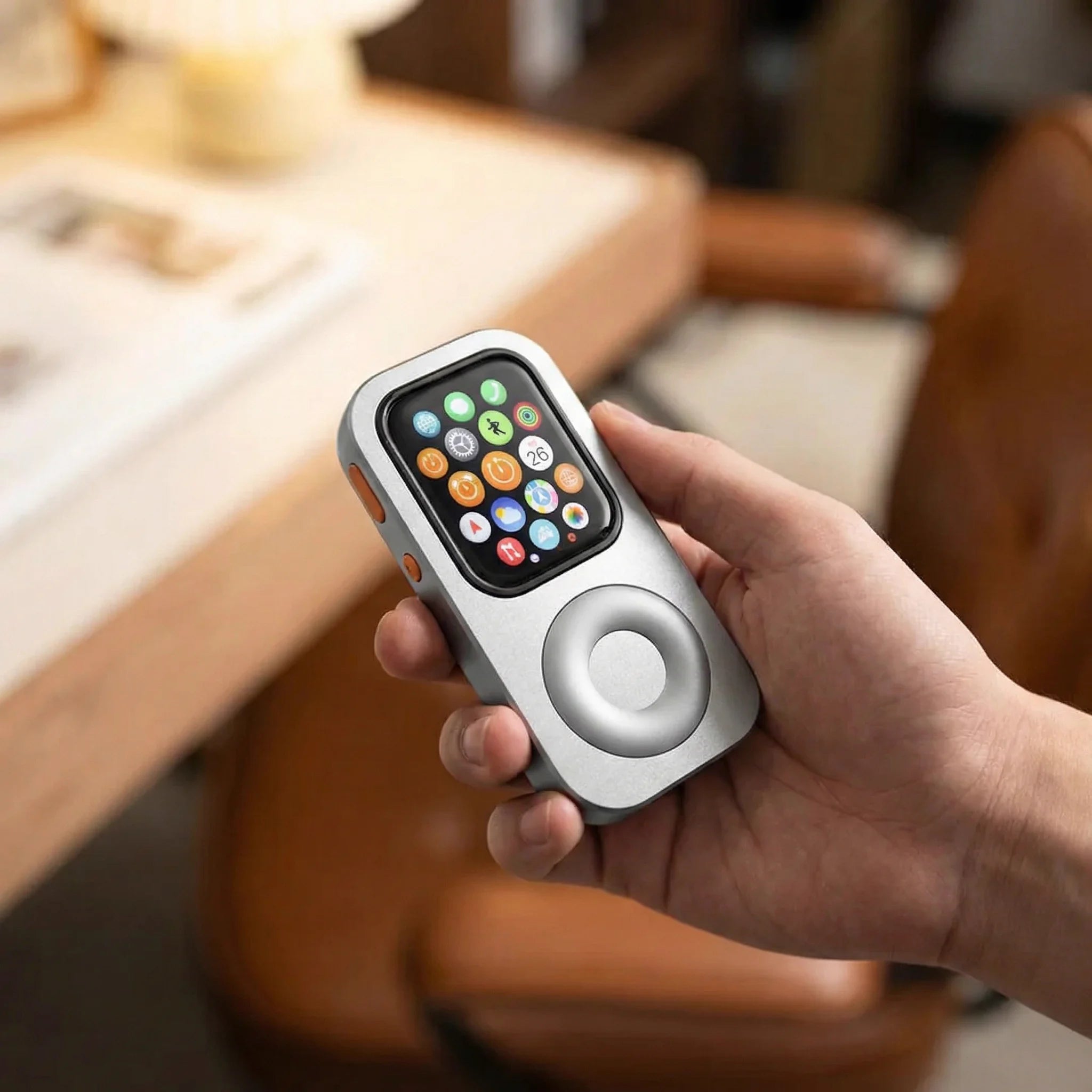
Techpod RePod gives a compatible Apple Watch a handheld form for exploring Watch apps. The games and AI projects here require separate installation; RePod supplies the case and mechanical wheel.
Games in your pocket
Apple Watch has its own App Store and supports apps that can run on the Watch when the model, watchOS version, account and app requirements are met. Each game has its own compatibility and control limits. Explore watchOS apps ↗ How independent Watch apps work ↗
A handheld position gives the thumb a steadier place to approach the screen and wheel-shaped surface. That can make short puzzles, turn-based play and circular gestures interesting design directions.
Watch_Quake by ByteOverlord
Watch_Quake is an Apple Watch game with its own installation requirements and known issues. See Watch_Quake on GitHub ↗
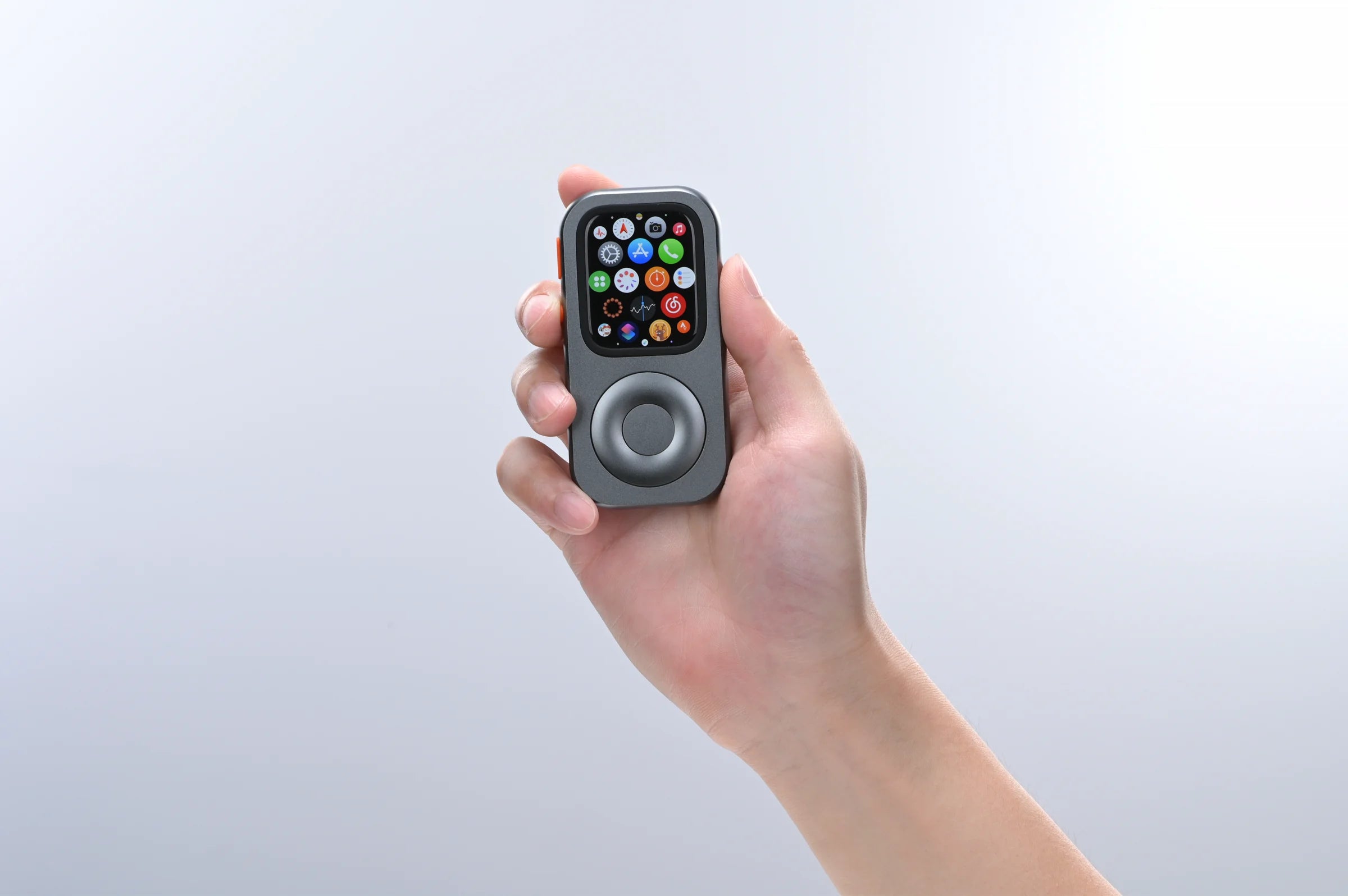
Pocket agents that connect to work elsewhere
A small screen can work as a compact front end while the heavier task runs on another device or service. Two independent projects show how builders have approached that idea on Apple Watch.
Pinch by Josh Kappler
Pinch turns Apple Watch into a compact remote for a Claude Code session running on a Mac. Its setup uses a Mac, a secure tunnel and an access token. See Pinch on GitHub ↗
Q007 by Chris JK
Q007 pairs a Watch app with an iPhone companion for quick prompts to AI services you connect. It requires compatible software, provider access and your own credentials. See Q007 on GitHub ↗
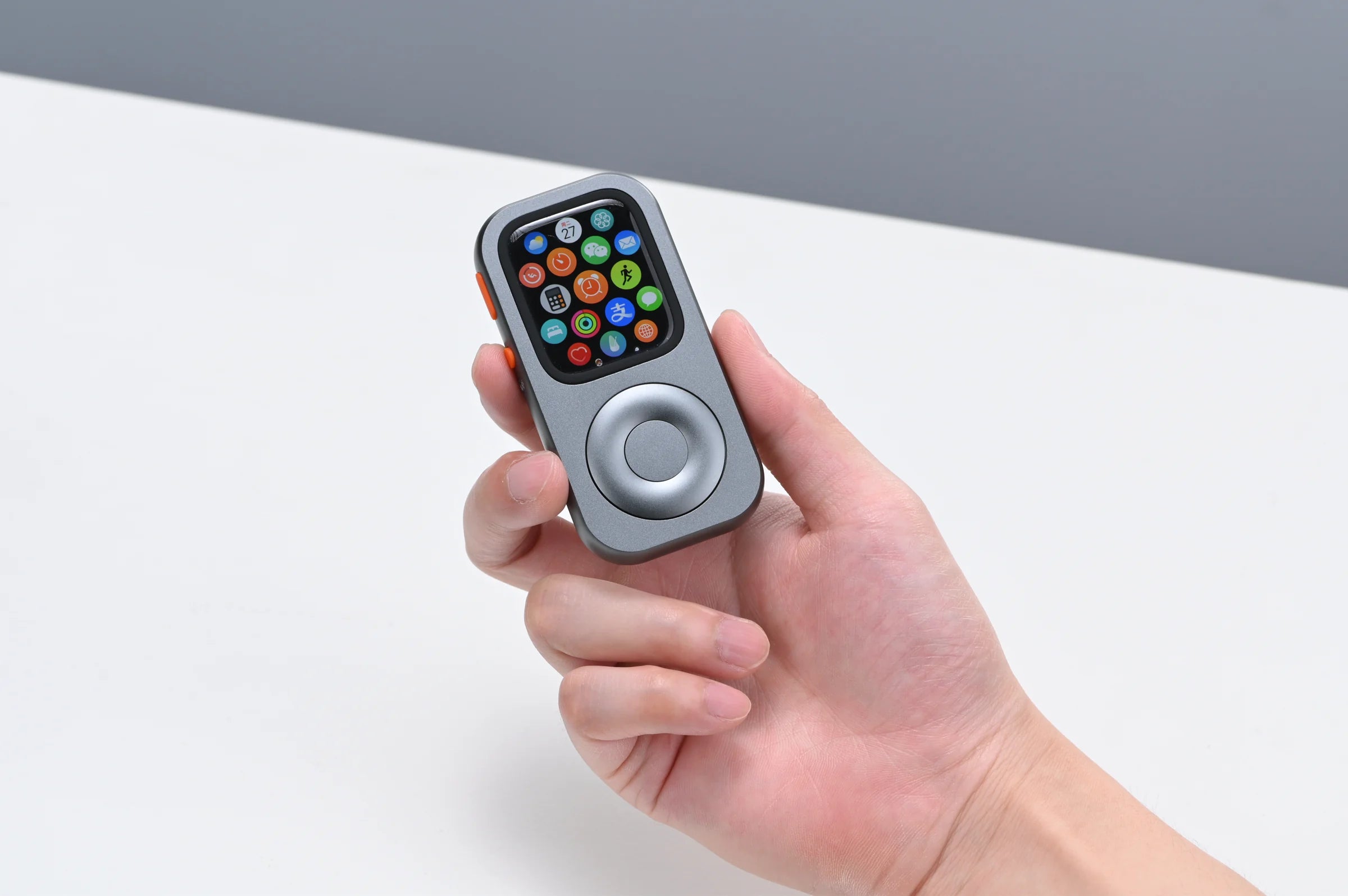
Voice and Siri interaction close at hand
Siri AI on watchOS 27
As checked October 21, 2026, Apple describes Siri AI as rolling out in English on watchOS 27. Apple’s June announcement names Series 9 or later, Ultra 2 or later and SE 3, paired with a nearby Apple Intelligence-enabled iPhone; language, region and usage restrictions apply. Its general watchOS compatibility list is separate from Siri AI eligibility. Check Apple’s current Siri AI information ↗
Concept: holding RePod for a voice request is an untested RePod-specific interaction. Confirm Siri AI eligibility on your Apple devices first; no working RePod implementation is demonstrated here.
New gestures for a thumb-led form
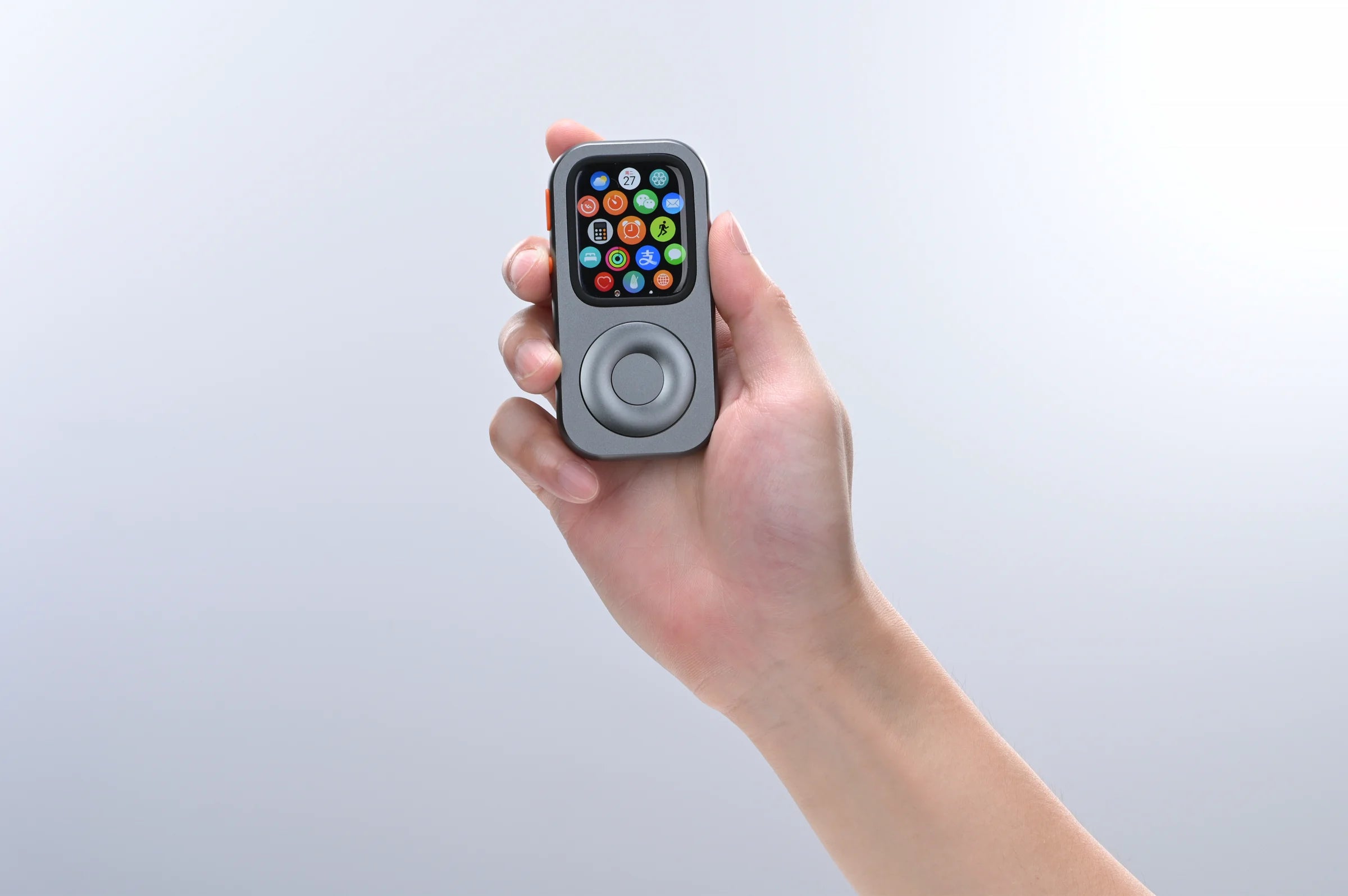
Turn RePod’s outer wheel and it mechanically turns the Watch’s Digital Crown. Supported apps can respond with scrolling or volume changes. Tap the Watch screen to select or play; the center disc is decorative.
The wheel-control guide explains that division. Game or agent control through the wheel still needs testing in the specific app.
Explore the apps and ideas
Pocket-held possibilities